 HomeTab
Blocks
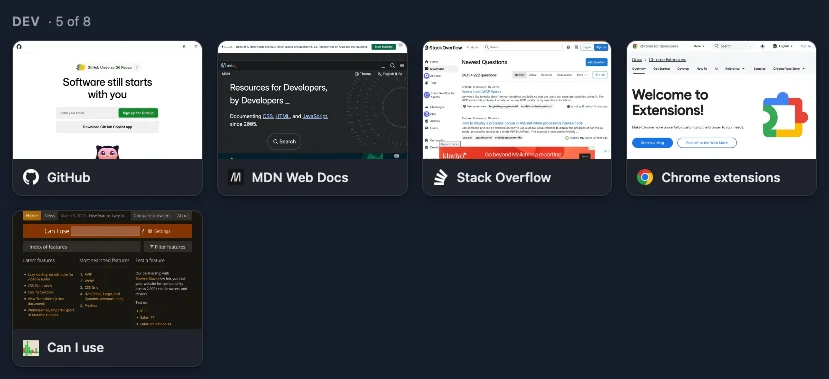
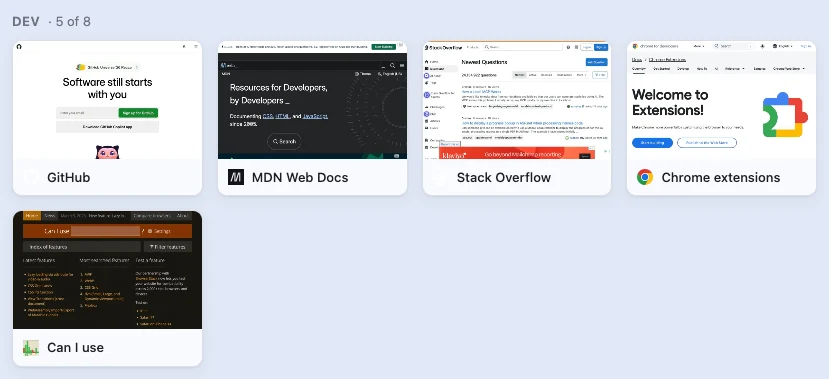
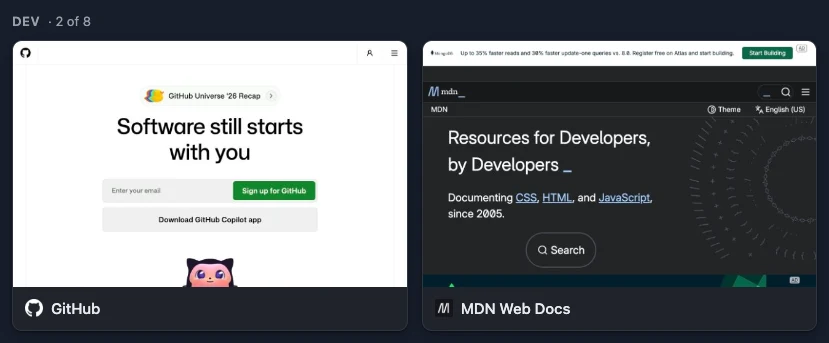
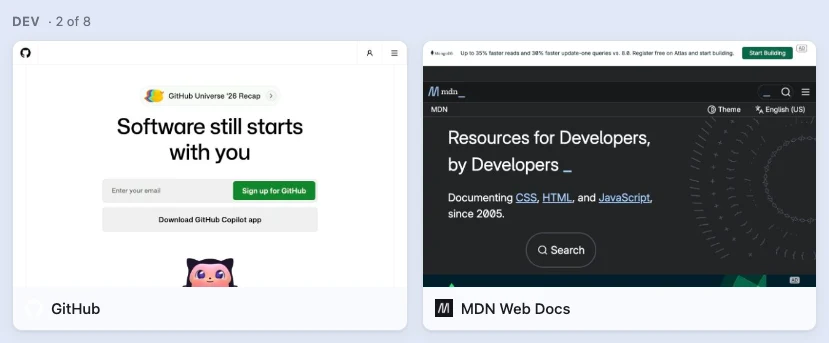
A HomeTab page is columns of blocks. Every block has a kind, a display or style, a size, an optional title with an item count, alignment, spacing above and below, a maximum number of items and a schedule for when it shows. Below, each kind in its variants, as the extension draws them in the demo profile. The pictures follow this page's light or dark setting.
Bookmark folder Notes RSS and Atom feeds Clock Countdown Web search Embedded web page
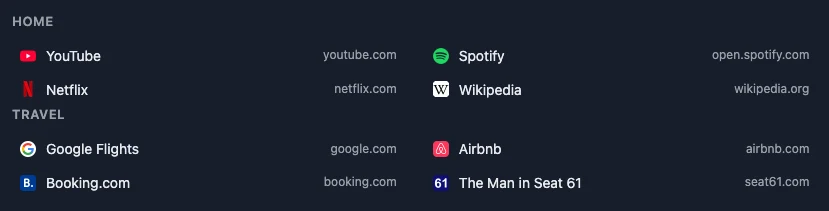
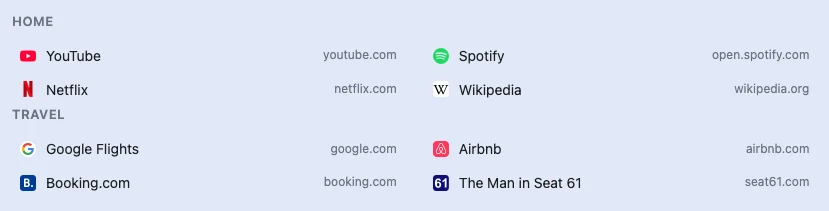
Bookmark folder
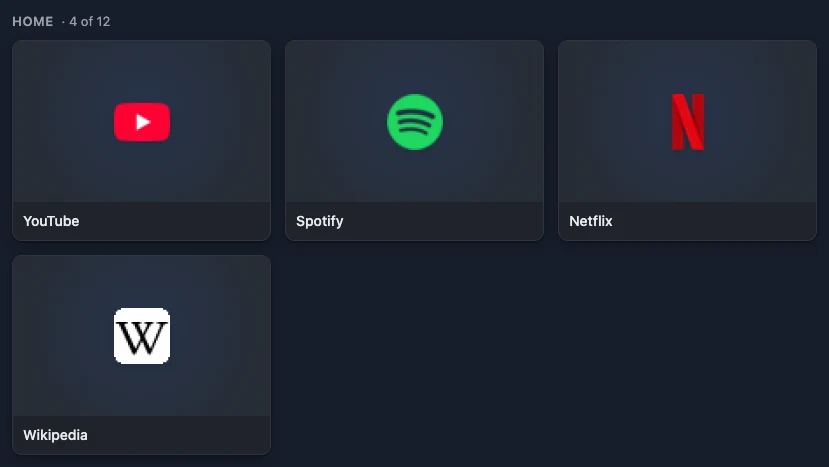
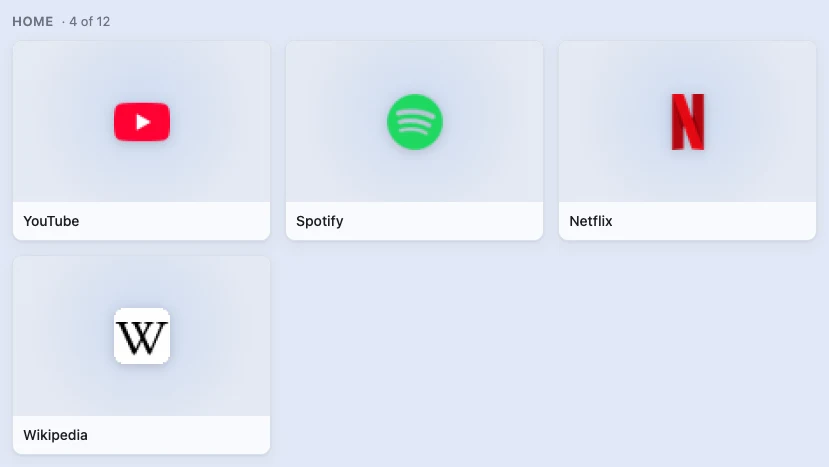
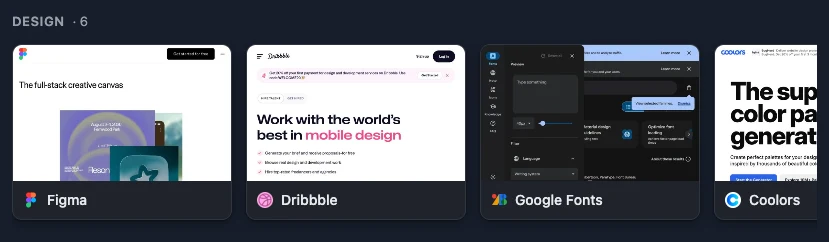
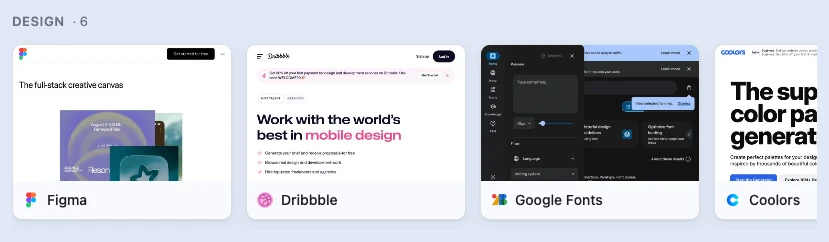
Any folder you already have, shown the way the block likes: cards with page previews, large icons, a scrolling row, a compact list or icons only, in five sizes.






Notes
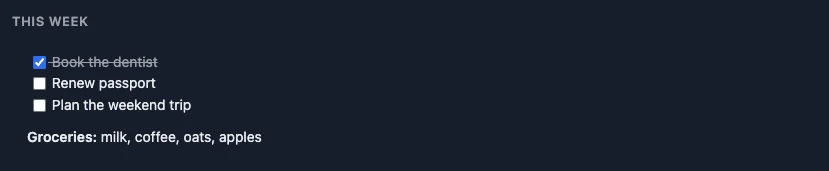
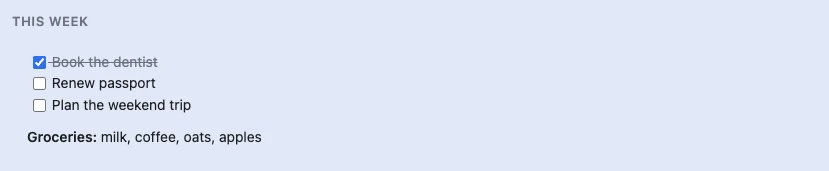
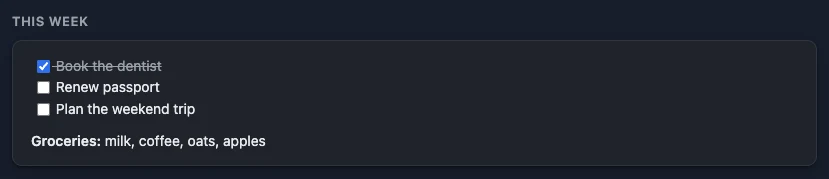
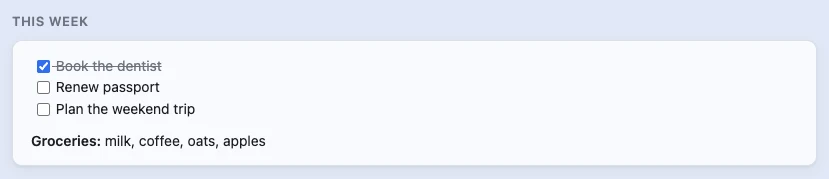
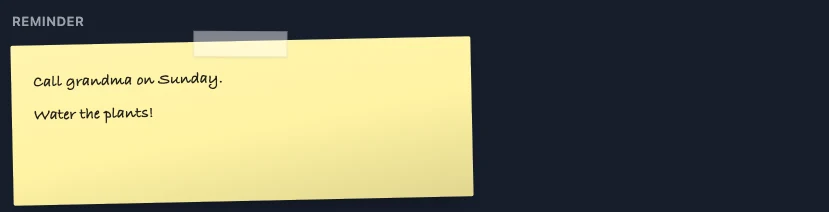
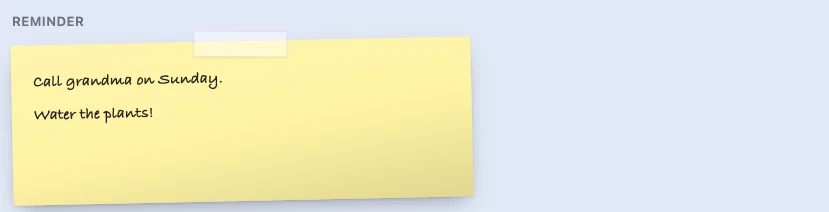
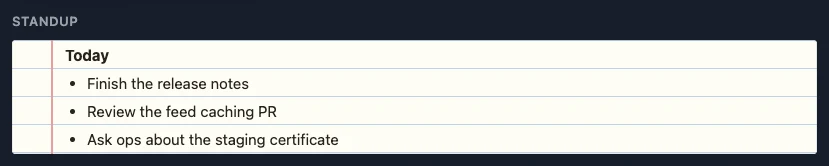
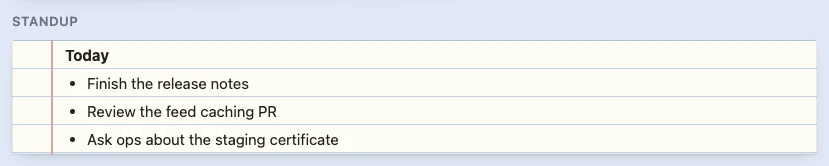
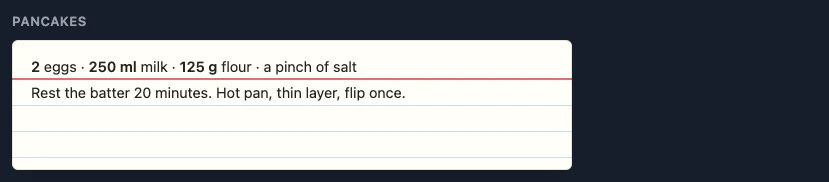
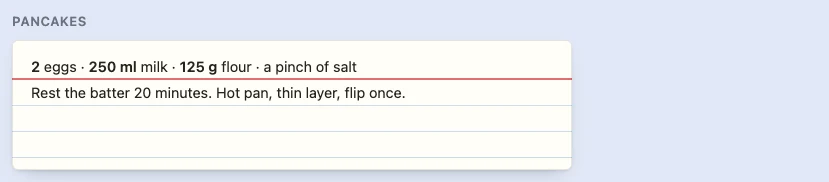
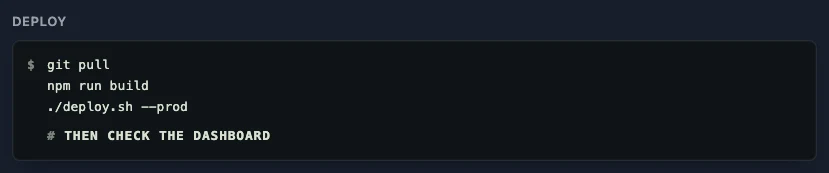
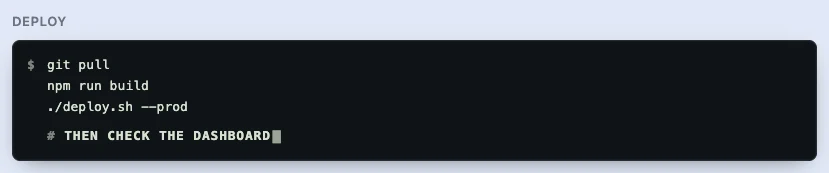
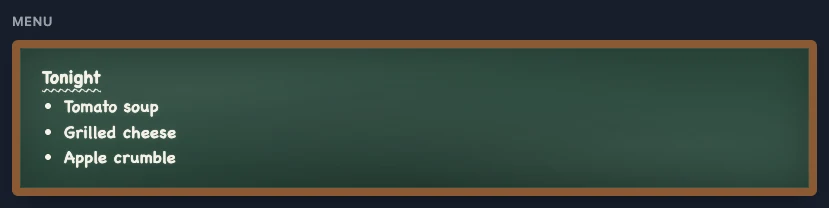
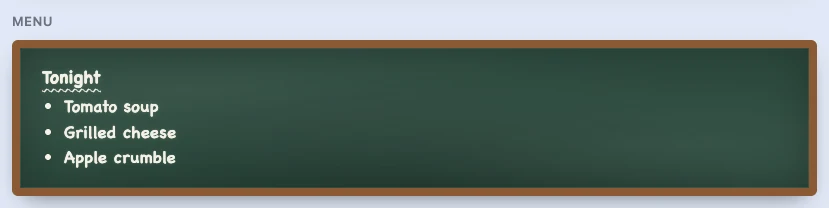
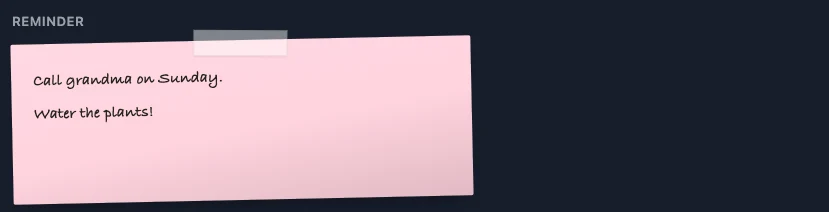
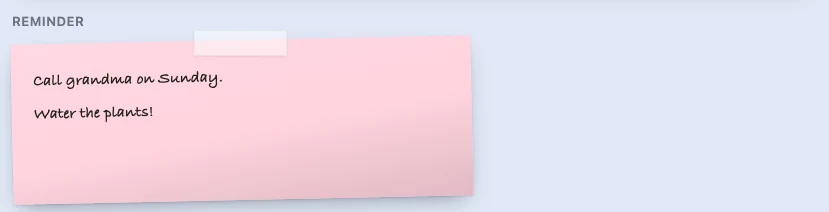
Markdown with task lists, edited in place. Plain, or dressed as a card, a sticky note, lined paper, an index card, a quote, a terminal or a chalkboard, in seven colours and two sizes.




RSS and Atom feeds
One or several feeds merged and sorted, as a list, a lead story with the newest entry up large, a grid of pictures or a scrolling row, with or without an excerpt under each headline.










Clock
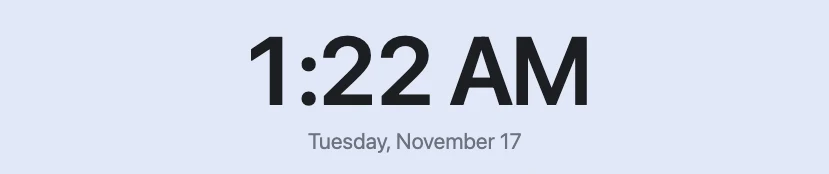
The time, weekday and date in your language, in two sizes, with a 12-hour, 24-hour or system format, optional seconds and any time zone.





Countdown
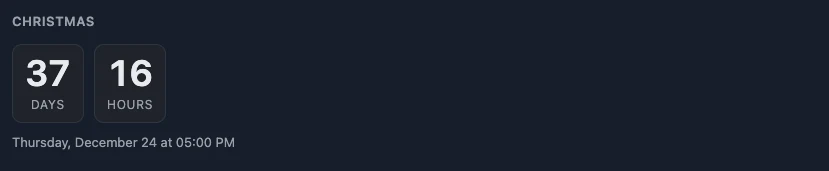
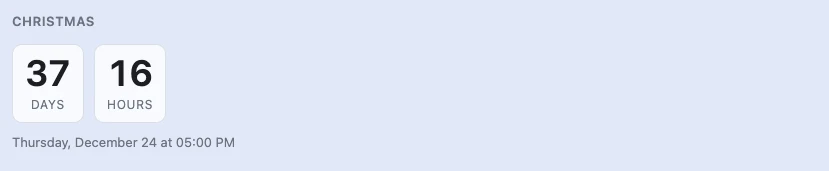
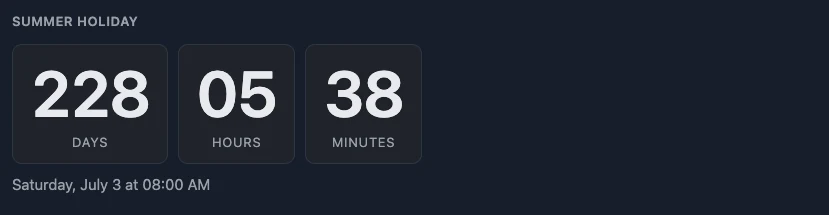
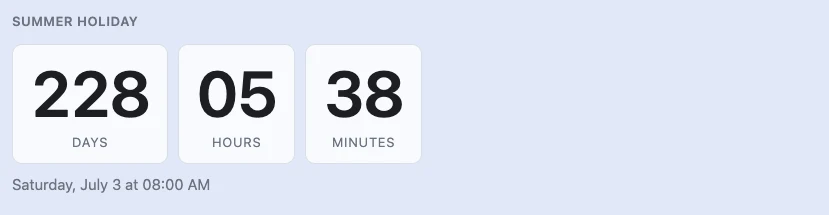
Days, hours, minutes and seconds to a date and time, as fine as you like. Once the moment has passed it counts the time since.
Web search
A search box with the engines you pick one click apart, or an engine of your own. An address typed into it opens directly.




Embedded web page
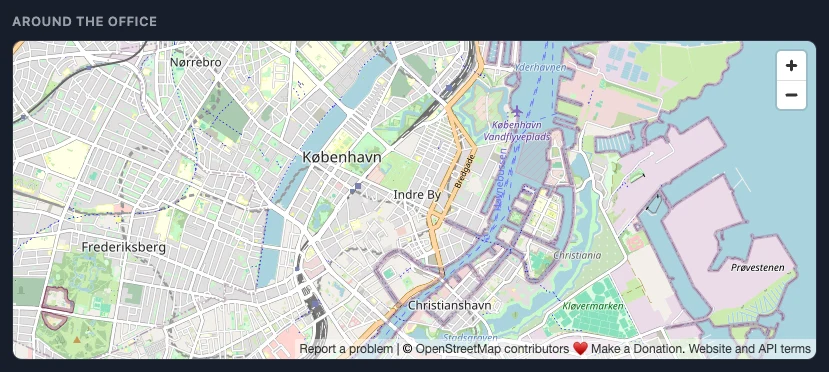
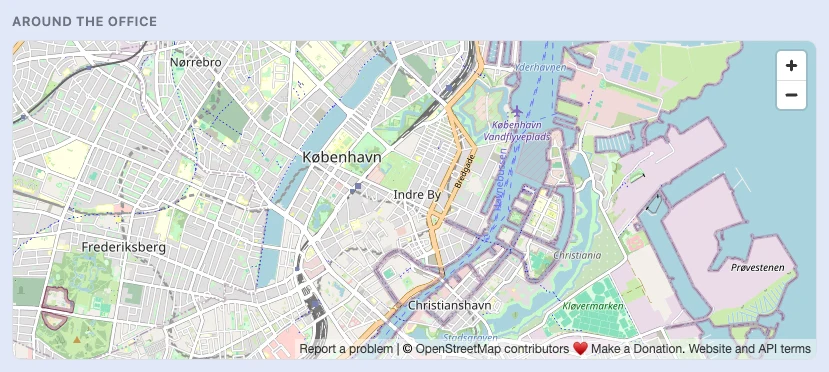
Any page that allows it, in a frame of the height you choose: a map, a status page, a dashboard.
Most visited sites, recent history, recently closed tabs and tabs from your other devices are blocks too; they read Chrome's own data after you grant the permission, so there is no demo to show here. Train departures from Rejseplanen need a free API key of your own, which the demo profile does not have.